
Should You Include Your Phone Number on Your Resume?

In the age of Zoom interviews and LinkedIn DMs, the humble phone number can feel like a legacy feature. Does a recruiter really need to call you, or can everything be handled via email? If you’re asking, “should you put your phone number on your resume?” here’s the pragmatic answer.
At Vitae, we see thousands of resumes. The trends are clear: while physical addresses are dying out, the phone number remains a standard—but the rules of engagement have changed.
Here is the modern playbook for listing contact information on your resume without sacrificing privacy or professionalism.
The Short Answer: Yes, but…
Yes, you should list a phone number on your resume. Including a phone number on resume removes friction and speeds up scheduling.
Unlike your home address, which is irrelevant to your ability to do the job, your phone number is a critical tool for speed. Recruitment moves fast. If a hiring manager wants to screen you now versus later, they will pick up the phone.
However, you should not simply slap your personal cell number on the page and hope for the best. You need a strategy for privacy and formatting.
Best Practices for Resume Phone Numbers
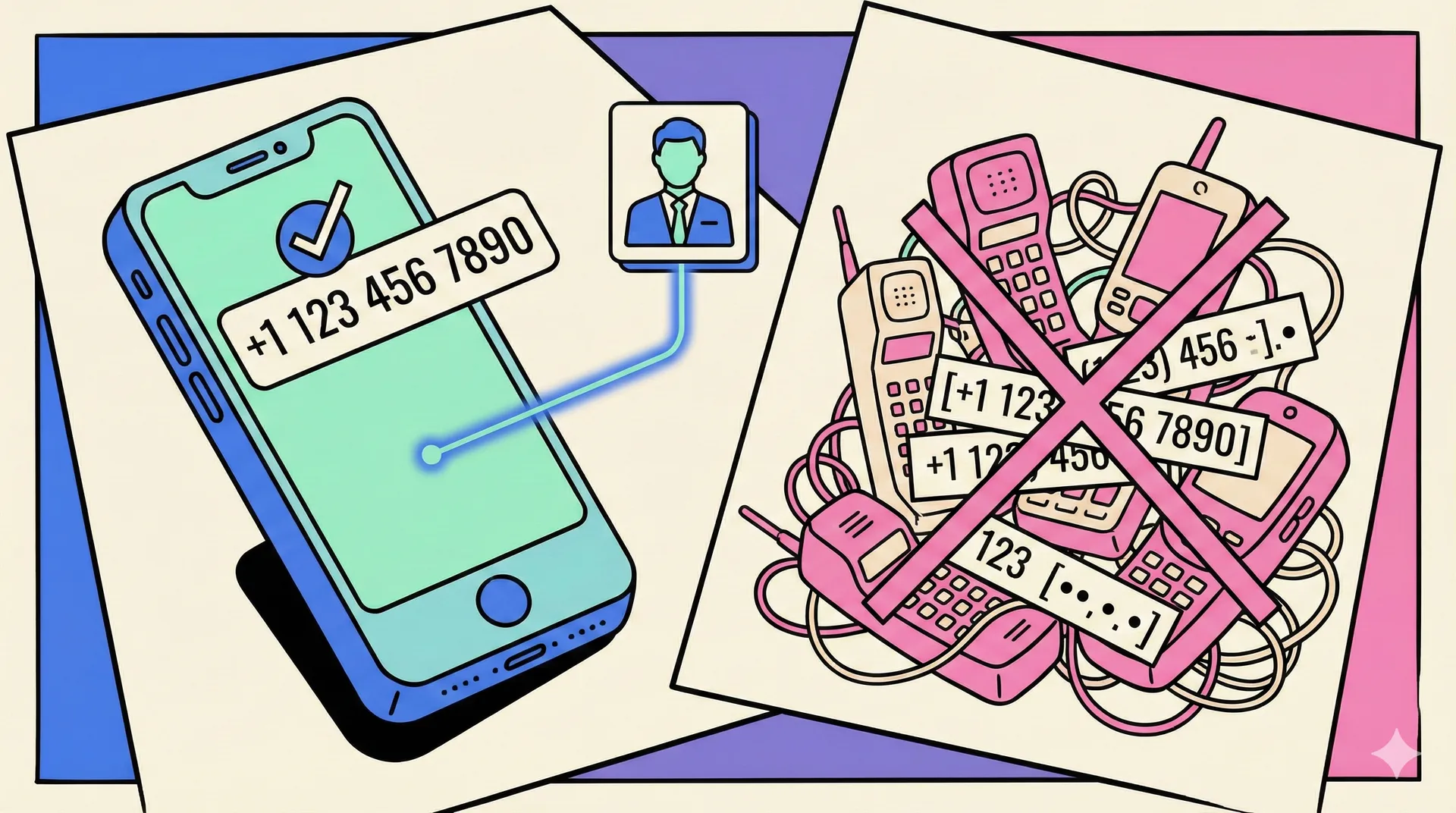 Recruiters spend seconds scanning your contact header. Don’t make them think. Follow these formatting rules to ensure your number is readable by both humans and Applicant Tracking Systems (ATS).
1. Use a Standard Format
Avoid brackets, periods, or creative spacing that might confuse an automated parser.
- Do this: 123-456-7890
- Or this: 123 456 7890
- Avoid this: (123).456.7890 (Visual clutter)
2. The “International” Standard
If you are applying for remote roles, tech startups, or jobs in a different country, you must include the country code. It signals that you are globally minded and accessible. In many regions, including a phone number on CV documents is also expected.
- Format: +1 123-456-7890 (US example)
3. One Number Only
Gone are the days of listing “Home,” “Cell,” and “Work.” Listing multiple numbers creates decision fatigue for the recruiter. Which one do they call? What if you aren’t home?
- List one mobile number where you control the voicemail and the notifications.
Privacy: Protecting Your Data
 A major concern for modern job seekers is privacy. Once you apply for a job, your resume lands in a database. If that data is sold or breached, your personal cell number becomes a target for spam and scams.
The Solution: Use a Virtual Number. We strongly recommend setting up a dedicated number for your job search using services like Google Voice. A virtual line lets you include a phone number on resume while keeping your primary number private.
- Screening: You can screen calls without giving away your private line.
- Focus: You can turn off notifications for that specific app during your current work hours.
- Voicemail: You can record a specific, professional greeting for recruiters (“Hi, you’ve reached [Name], please leave a message regarding job opportunities…”) without changing your personal voicemail.
The “Voicemail Audit”
If you include a phone number, you are inviting a conversation. You need to be ready for it.
- Check your greeting: Is it professional? Does it state your name clearly?
- Check your inbox: Is your mailbox full? There is nothing frustrating for a recruiter than hearing “The mailbox is full” after a great candidate screen.
Summary
Your resume is a tool designed to get you an interview. If a phone number removes friction and makes it easier for a recruiter to say “yes,” it belongs on the page. For international applications, the same logic often applies to a phone number on CV documents as well.
Keep it simple:
- Use a mobile or virtual number.
- Format it clearly (+1 123-456-7890).
- Ensure your voicemail is clear and empty.